Live reload
The open file is watched and re-rendered within a second of changing on disk, so the view stays in sync with whatever editor you're writing in.
A markdown viewer that's actually nice to read.
A native macOS app for reading local .md files with clean, book-like typography.
Built with SwiftUI and rendered through WebKit, it ships its own lightweight parser and stylesheet
— no editing, no clutter, just a fast, focused reading experience.
WHY I BUILT IT
I didn't want anyone to have to buy a native viewer just to read a document. And the Markdown previews in VS Code and other IDEs are… not great. A dedicated, standalone viewer is so nice — it opens instantly, gets out of the way, and this one just happens to be pleasant to look at.
EVERYTHING THAT MAKES READING NICE
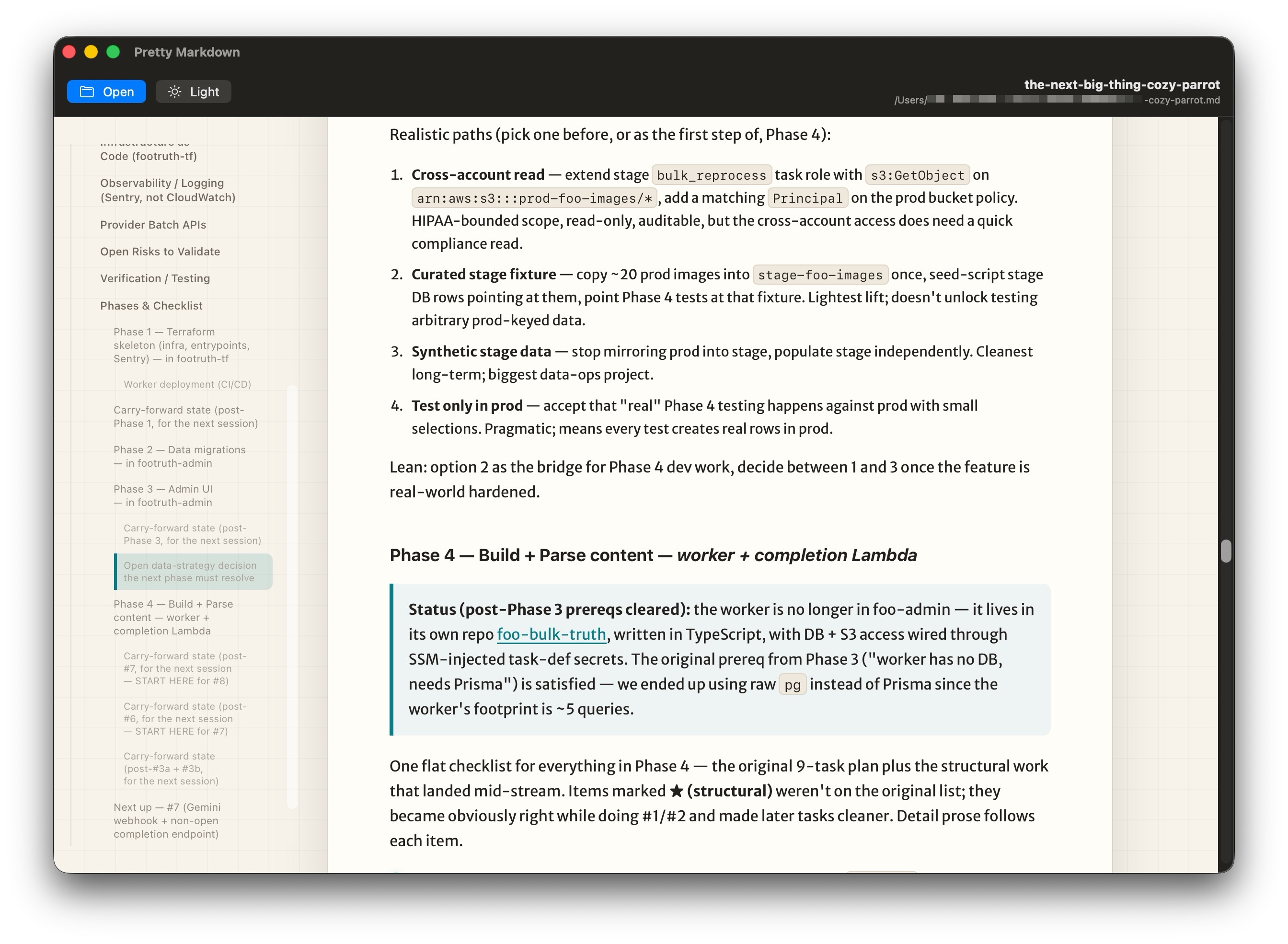
The open file is watched and re-rendered within a second of changing on disk, so the view stays in sync with whatever editor you're writing in.
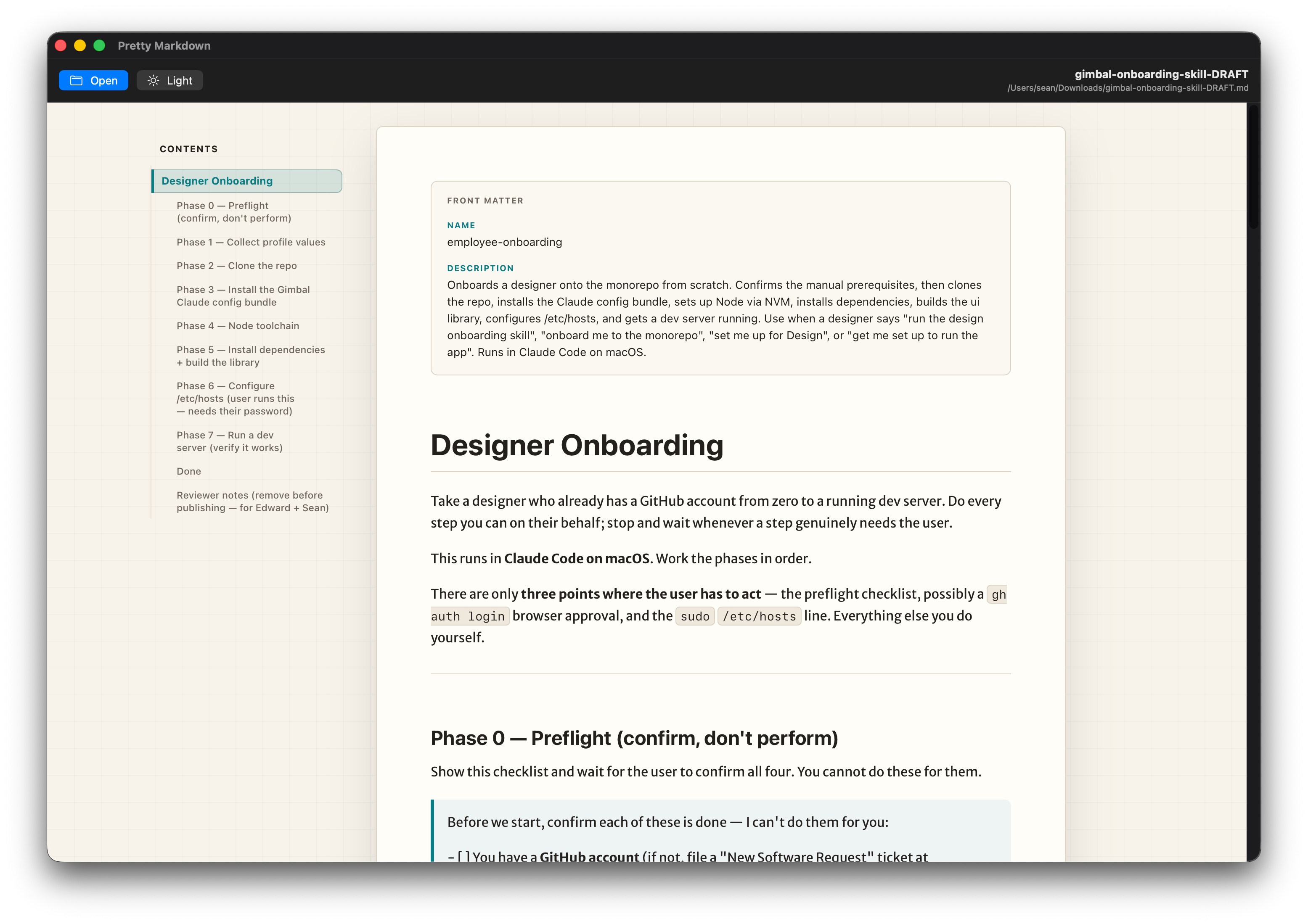
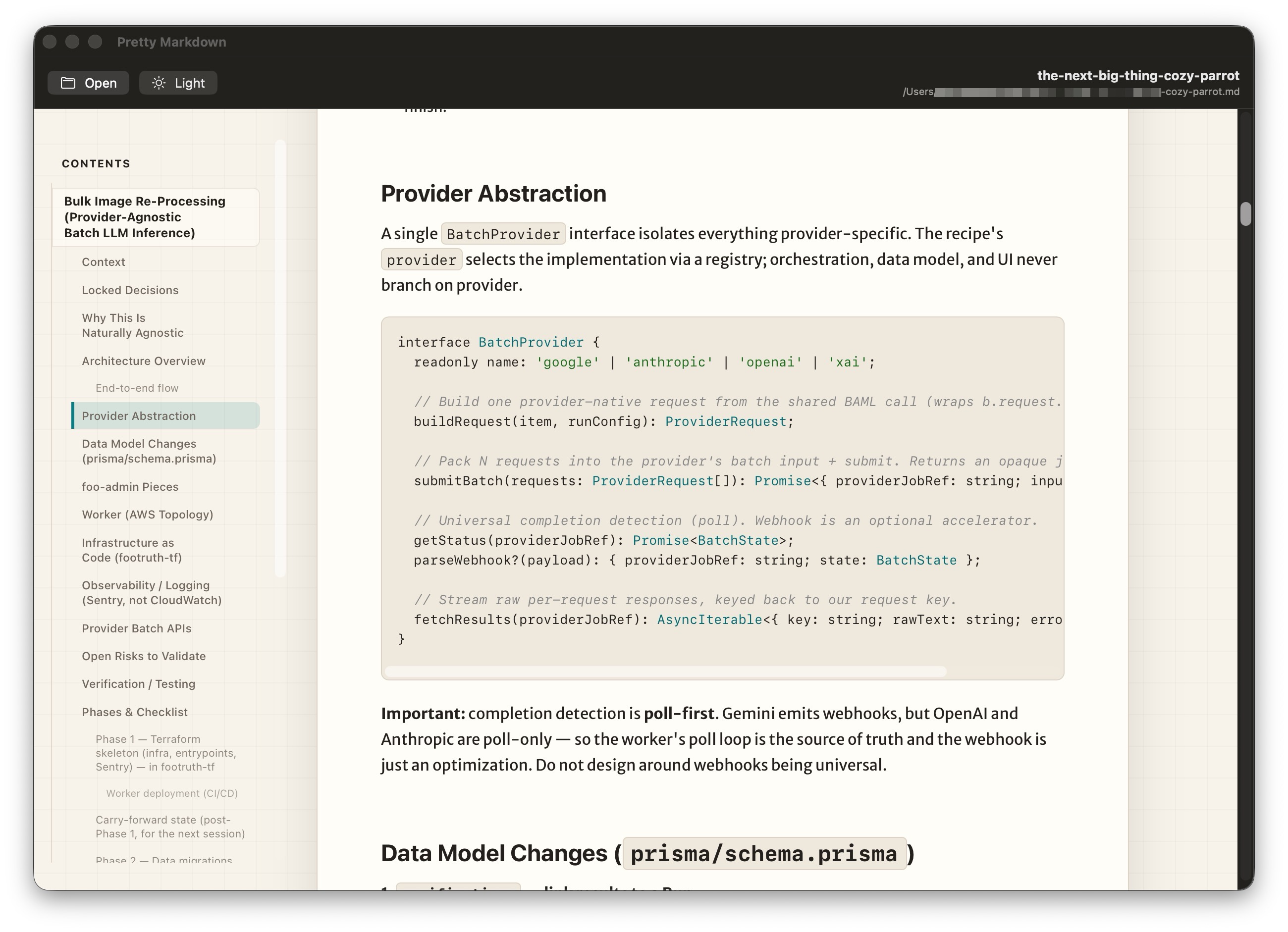
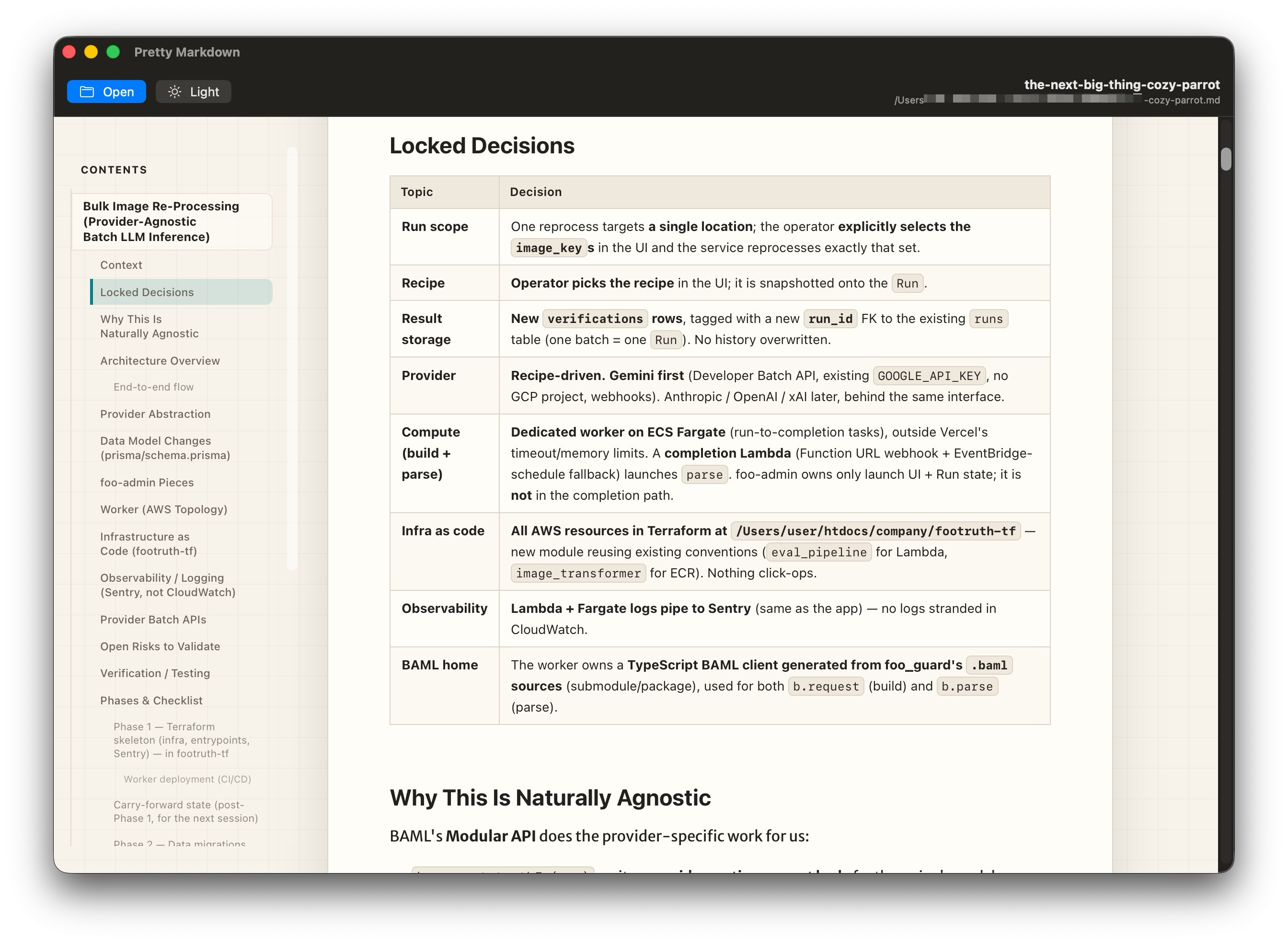
Headings become a sticky sidebar that highlights your position as you scroll. Documents without headings simply hide it.
Cycle appearance from the toolbar and the choice is remembered between launches, matching how you like to read.
Zoom the text with ⌘+, ⌘-, and ⌘0 to reset. The scale
is clamped to a comfortable range and persists.
Fenced code blocks are highlighted, with language auto-detection when none is tagged — Swift, JavaScript, TypeScript, Python, Go, SQL, and Bash.
YAML front matter is parsed — scalars, block scalars, lists, nested mappings — and rendered as a tidy metadata card above the document instead of leaking into the first paragraph.
Merriweather Sans, a subtle grid-paper canvas, and a "document on a page" layout that reads comfortably at any width.
SEE IT IN ACTION
OPEN FILES ANY WAY YOU LIKE
Pretty Markdown gets out of your way. Set it as the Finder handler for .md files and double-click; or reach for whichever habit you already have. It even remembers your
last ten documents in the Open Recent menu.
.md onto the windowUNDER THE HOOD
GET IT
Grab the latest signed .app from GitHub Releases, unzip it, and drop it in your Applications
folder. Free, open source, and built because previews shouldn't be this underwhelming.