LED Matrix
Visualizer
Hold the button, say what you want, and it draws it.
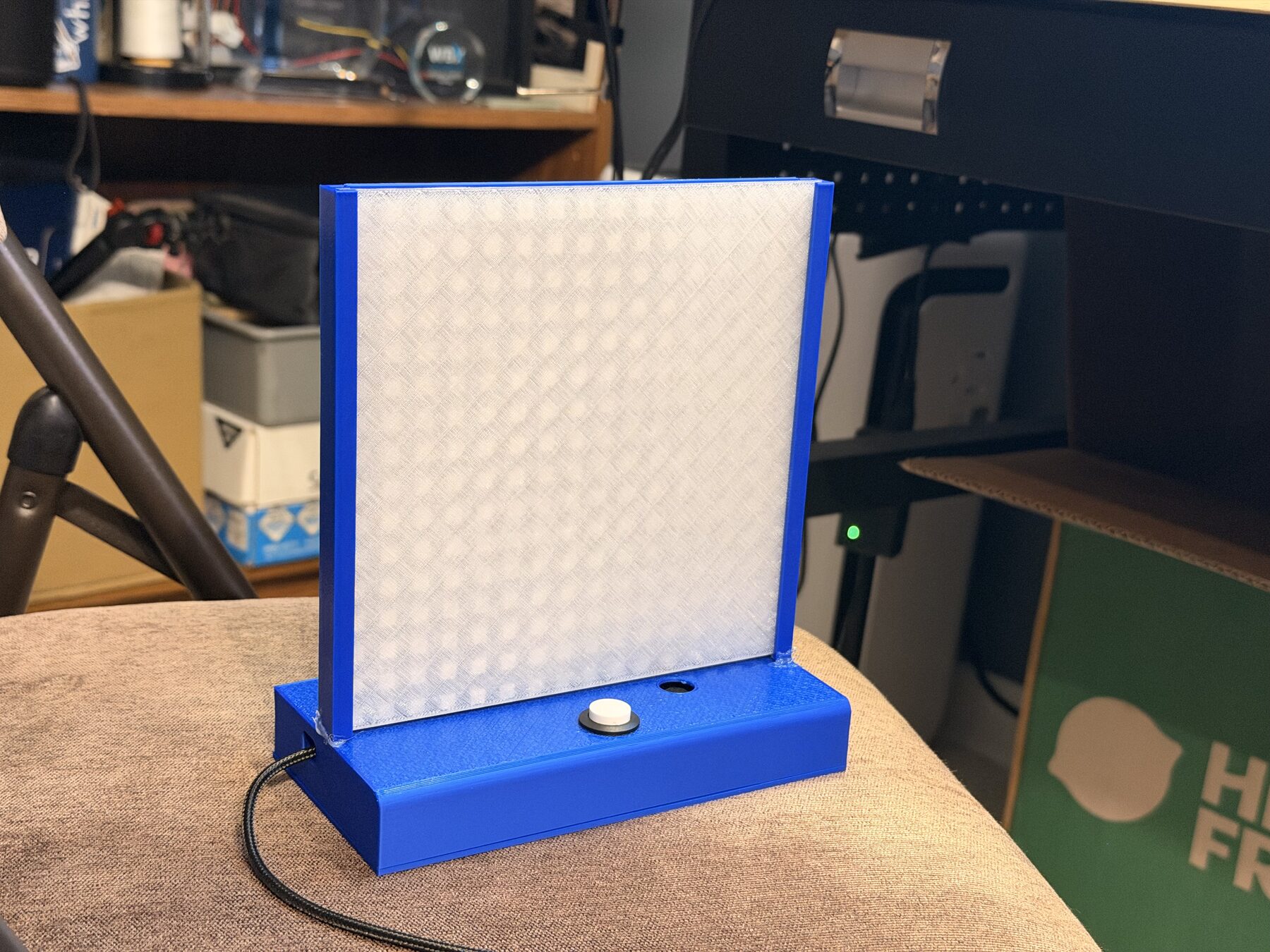
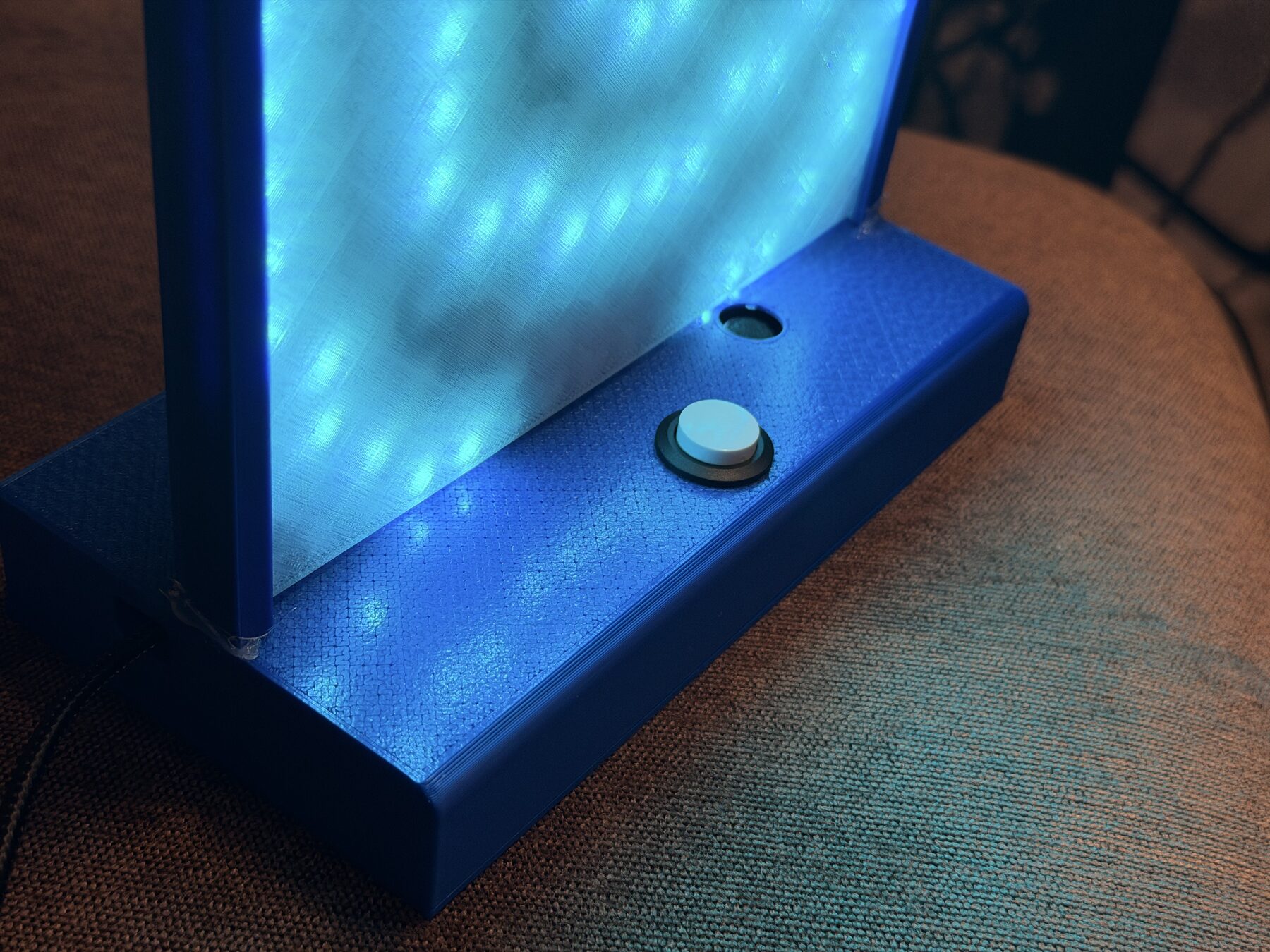
A 3D-printed toy I made for my son. It has a 16x16 LED panel, one button, and a microphone. A small server on my Home Assistant box turns his request into text and asks Claude to draw it.
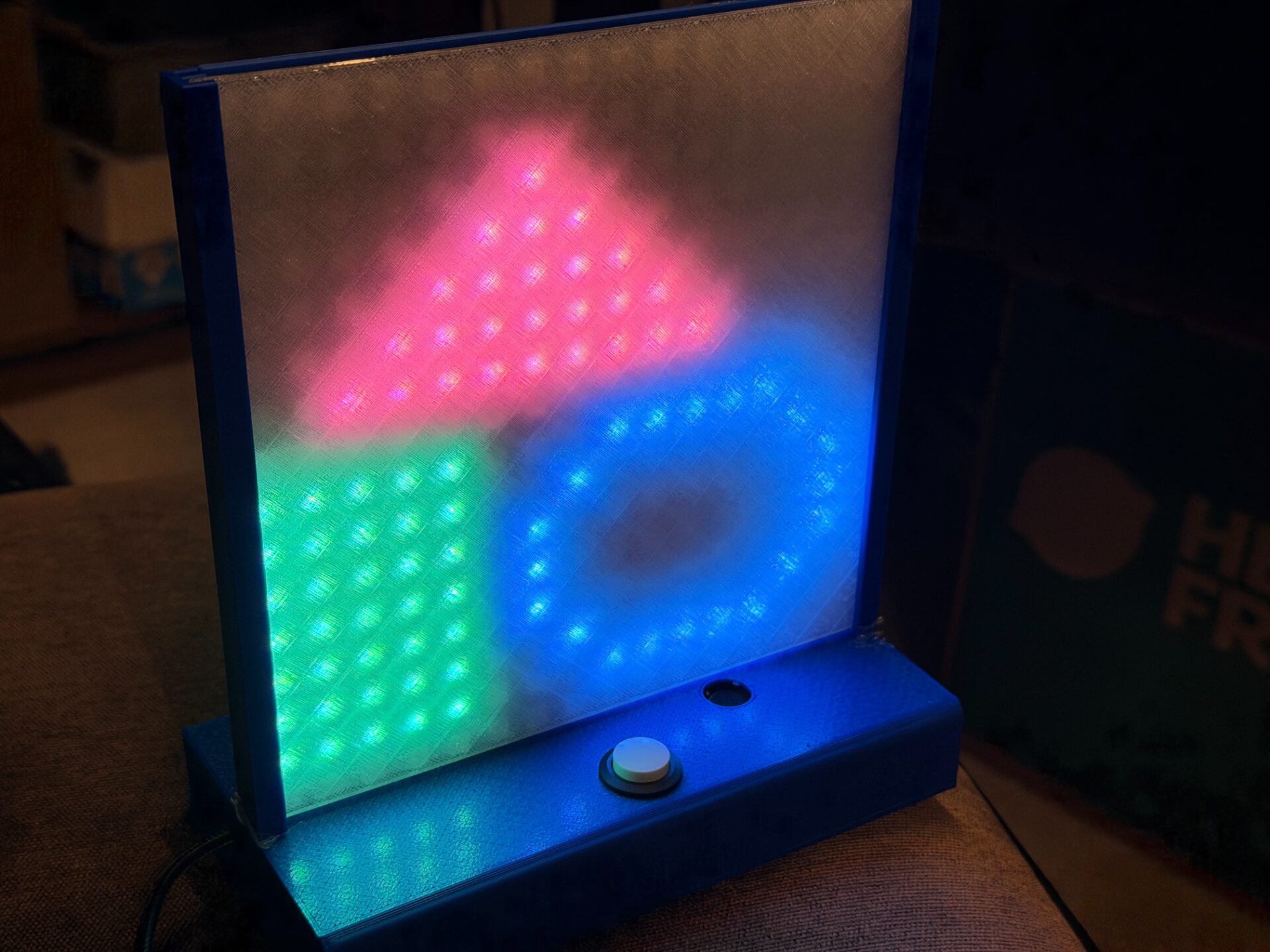
This is part of my "finish projects" run this year. The goal was a finished toy, not a breadboard demo: a printed case, a diffuser, a Home Assistant add-on, and print files anyone can download.
It has been a huge hit in the house, and it is the most polished project I have finished so far. You hold the button, say what you want, let go, and a few seconds later it is on the panel.
Try It
Replays three canned drawings. The toy itself calls Claude.
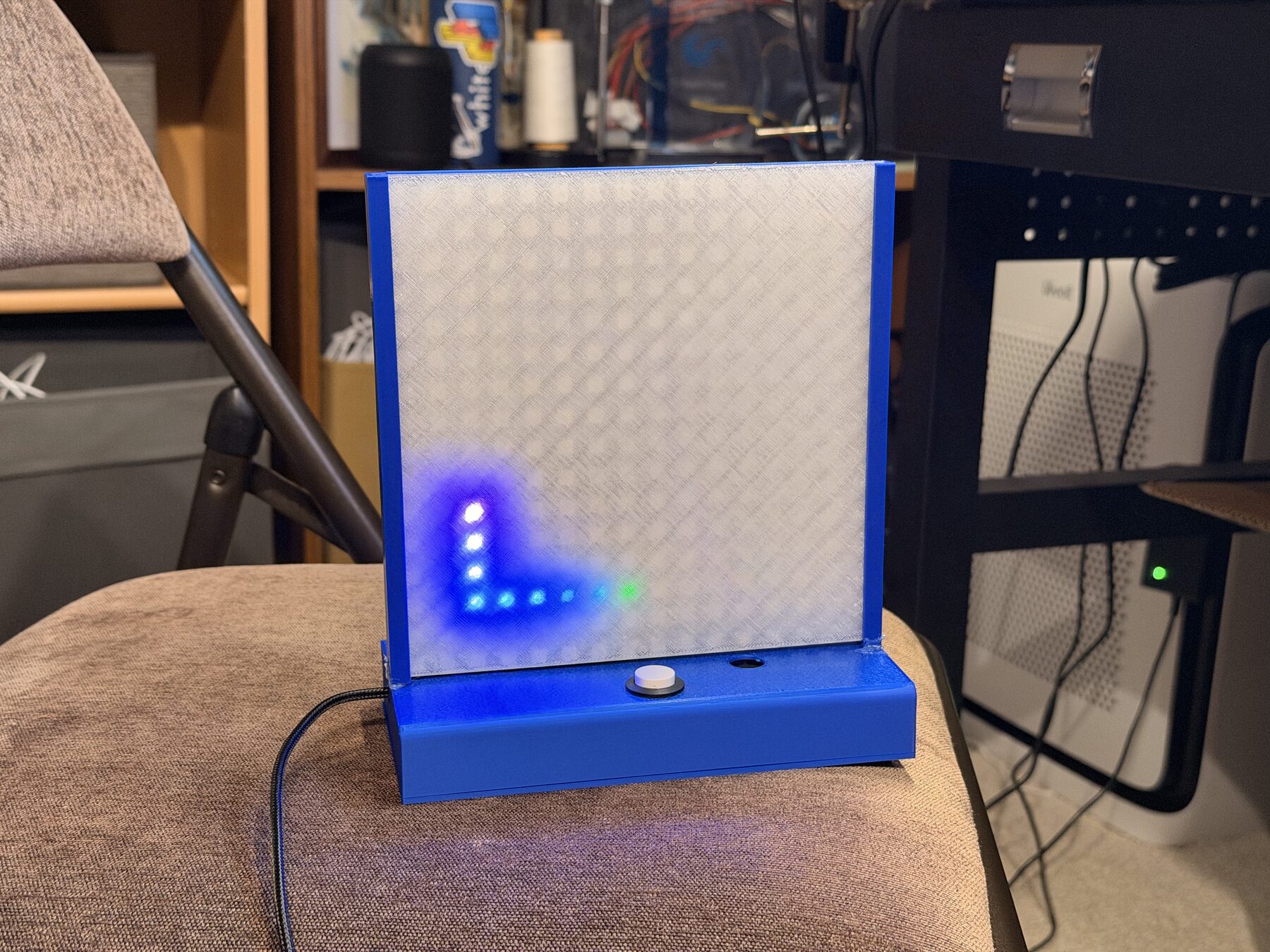
This panel runs the same screens as the firmware. Hold the button and you get a red dot, then a green ring with a dot going around it, which means "talk now". When you let go, a rainbow comet spirals in from the edge while the relay works. Then the picture shows up.
A picture
The default. Claude gets a draw_pixel_art tool and fills in a small palette plus sixteen rows of sixteen characters. The relay turns that into 768 bytes of RGB and sends it back.
A short animation
If the request has a verb in it, Claude draws up to four frames and picks a frame time. "A bird" is a still. "A bird flying" moves. Nouns on their own never animate, even if the thing usually would.
A program
Start with "code" and Claude writes a Lua 5.4 script with a draw(t) function instead. The ESP32 runs it live at about 30 fps, forever, so particles and plasma never have to loop.
Finishing Projects Is Hard
On the Shelf
How It Works
Record while the button is held
The ESP32 samples the analog mic at 16 kHz and packs it to 8-bit mu-law, up to five seconds. Turning the LEDs on makes a click in the mic, so audio from before the green ring appears is thrown away, and the panel only refreshes every 100 ms while recording. A tap shorter than 0.3 seconds isn't treated as speech, and a quick double tap clears the panel.
Send it to the relay on Home Assistant
The audio goes over Wi-Fi to a Home Assistant add-on. It runs speech to text with OpenAI's gpt-4o-mini-transcribe, prompted with things like "a red heart" so short, noisy clips come out right. The text goes to Claude Sonnet 5 as a forced tool call.
Claude draws on a grid of characters
Claude doesn't output pixels directly. It returns a palette of single-character keys and sixteen 16-character strings per frame, which it is much better at. The prompt asks for big silhouettes, saturated colors, and nothing darker than about #303030, because dim colors look off on an LED.
Code mode runs Lua on the ESP32
Say "code ..." and the relay asks Claude for a Lua script with a draw(t) function. It test-runs the script first with the same drawing API and limits as the device. If the script fails, it sends the error back to Claude once to fix. The ESP32 runs Lua 5.4 in a sandbox with a 64 KB memory cap and an instruction budget per frame, so a bad script shows the red X instead of locking up the toy.
Two cores, two jobs
Drawing runs as its own task on core 0 at about 50 fps. Recording and networking stay on the other core, so the spinner keeps moving while the relay is working.
The Home Assistant Add-on
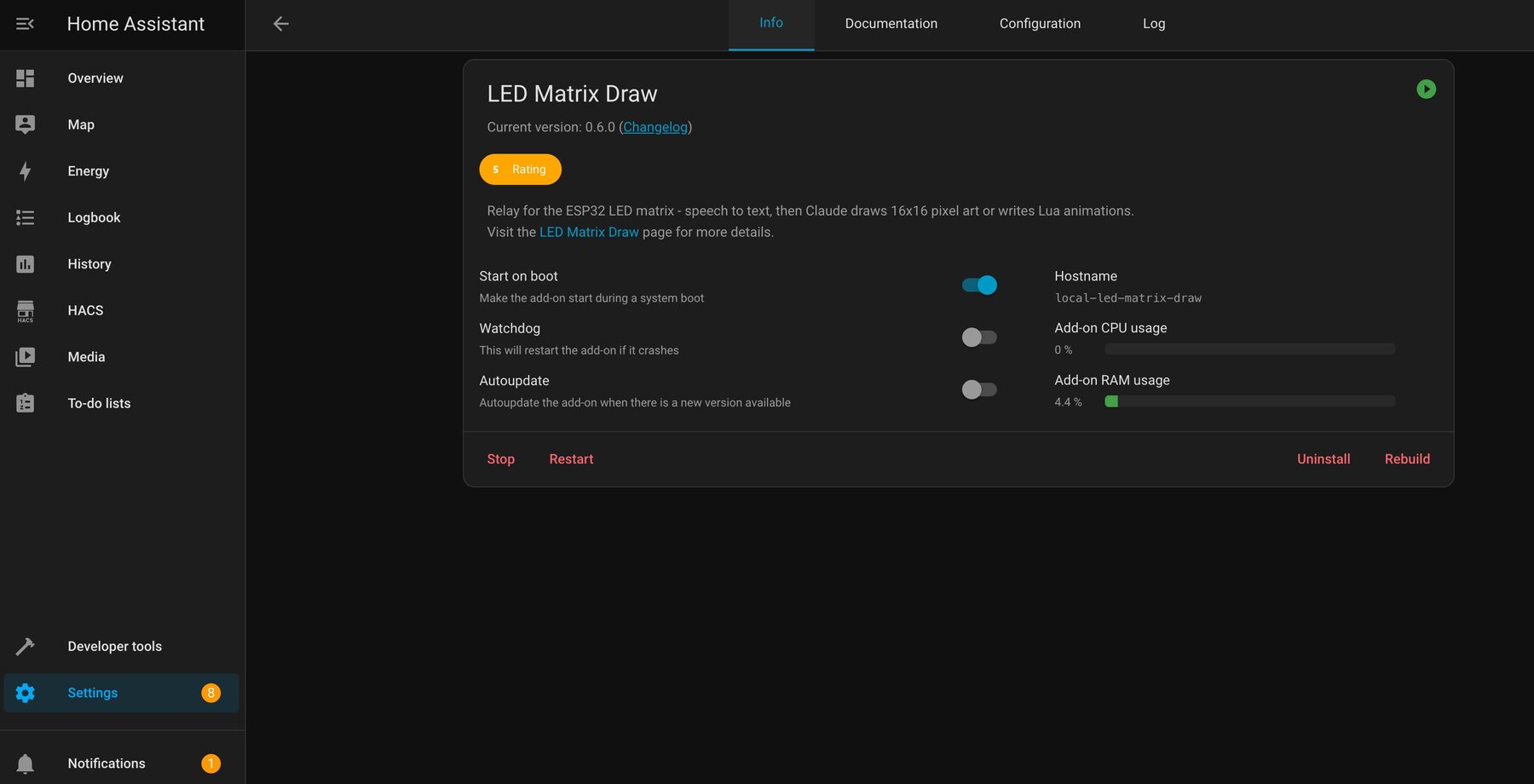
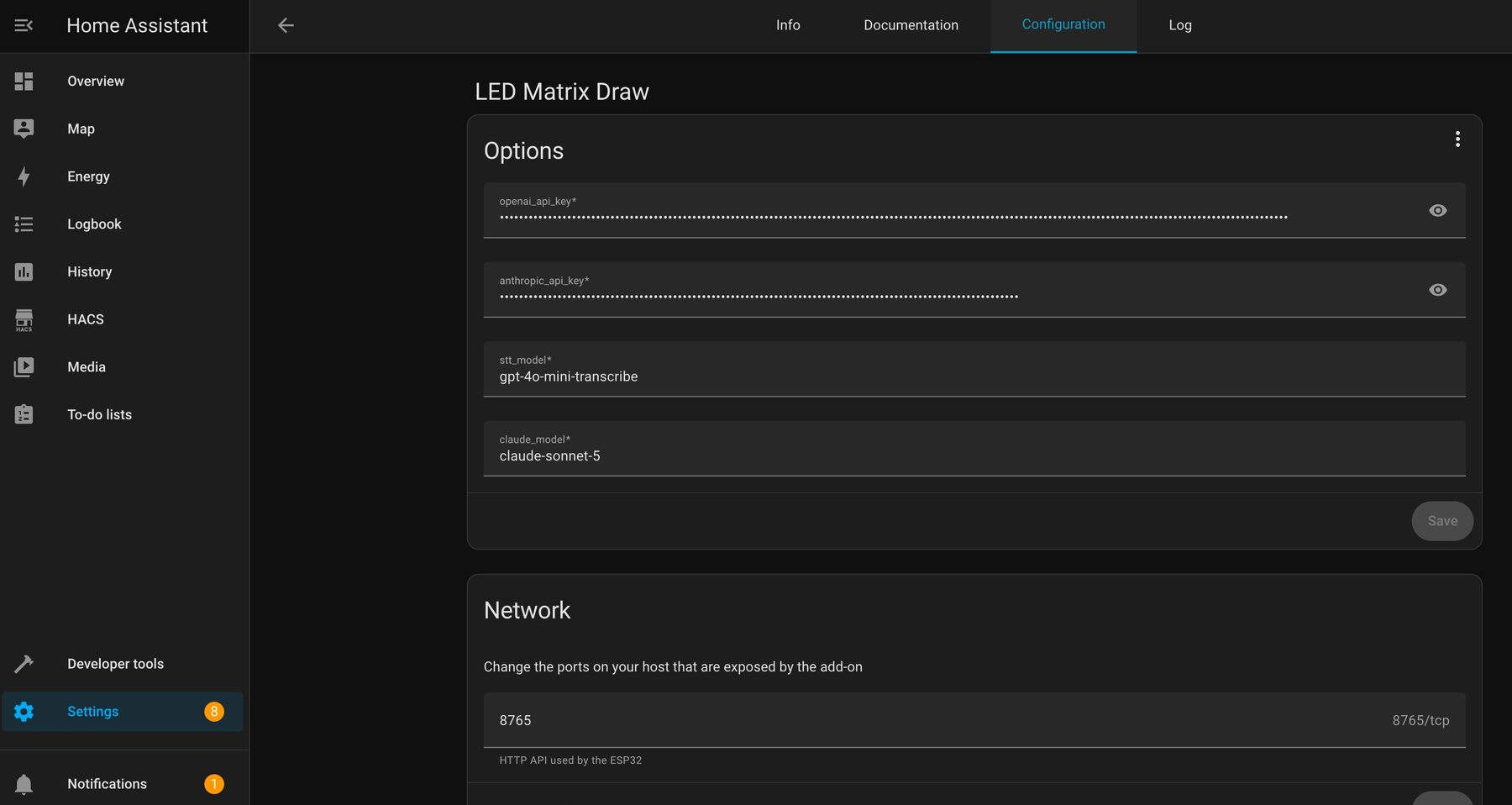
The relay is packaged as a Home Assistant add-on, so it starts on boot with everything else in the house. You set two API keys and pick the models.
The Build
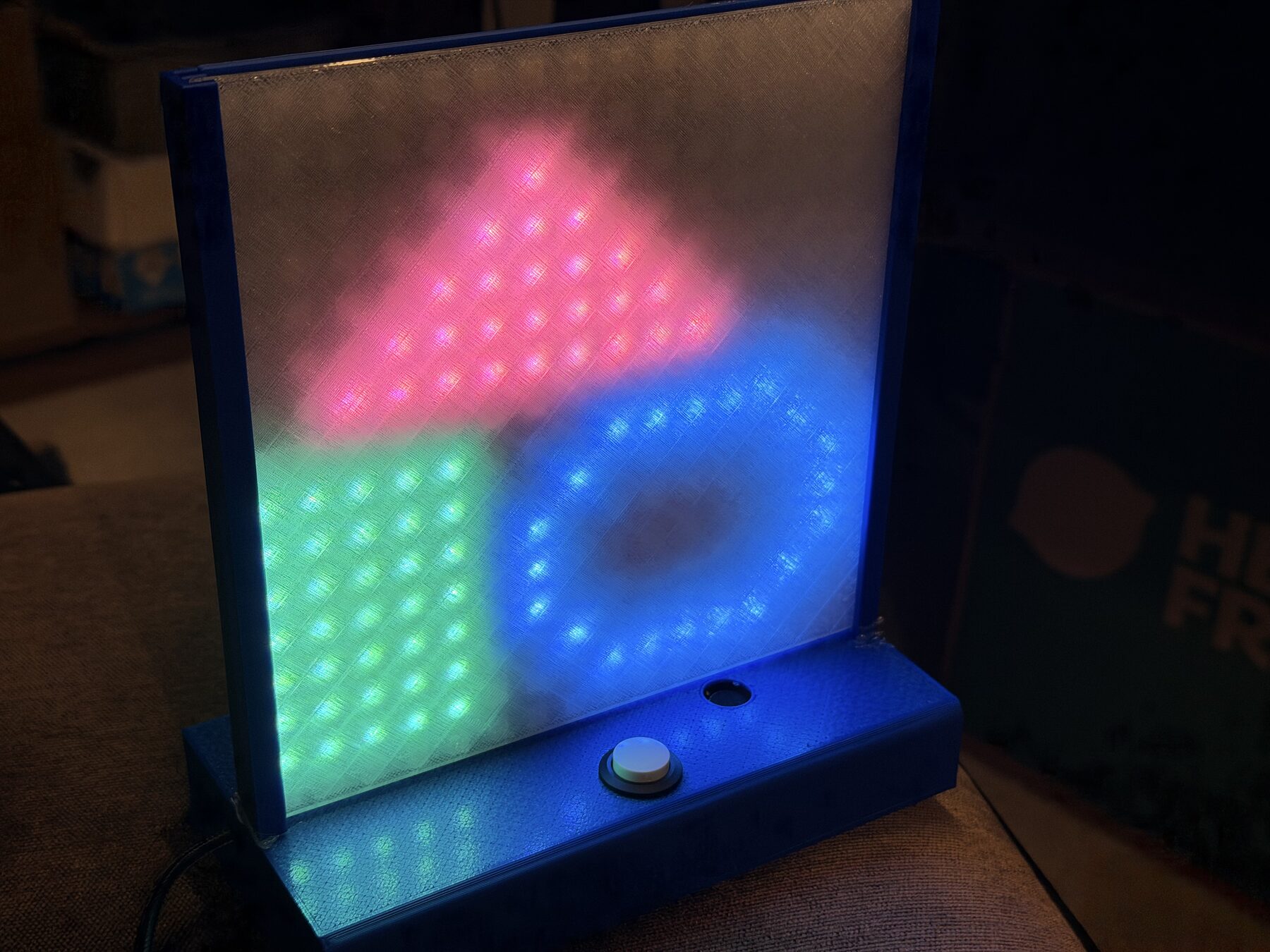
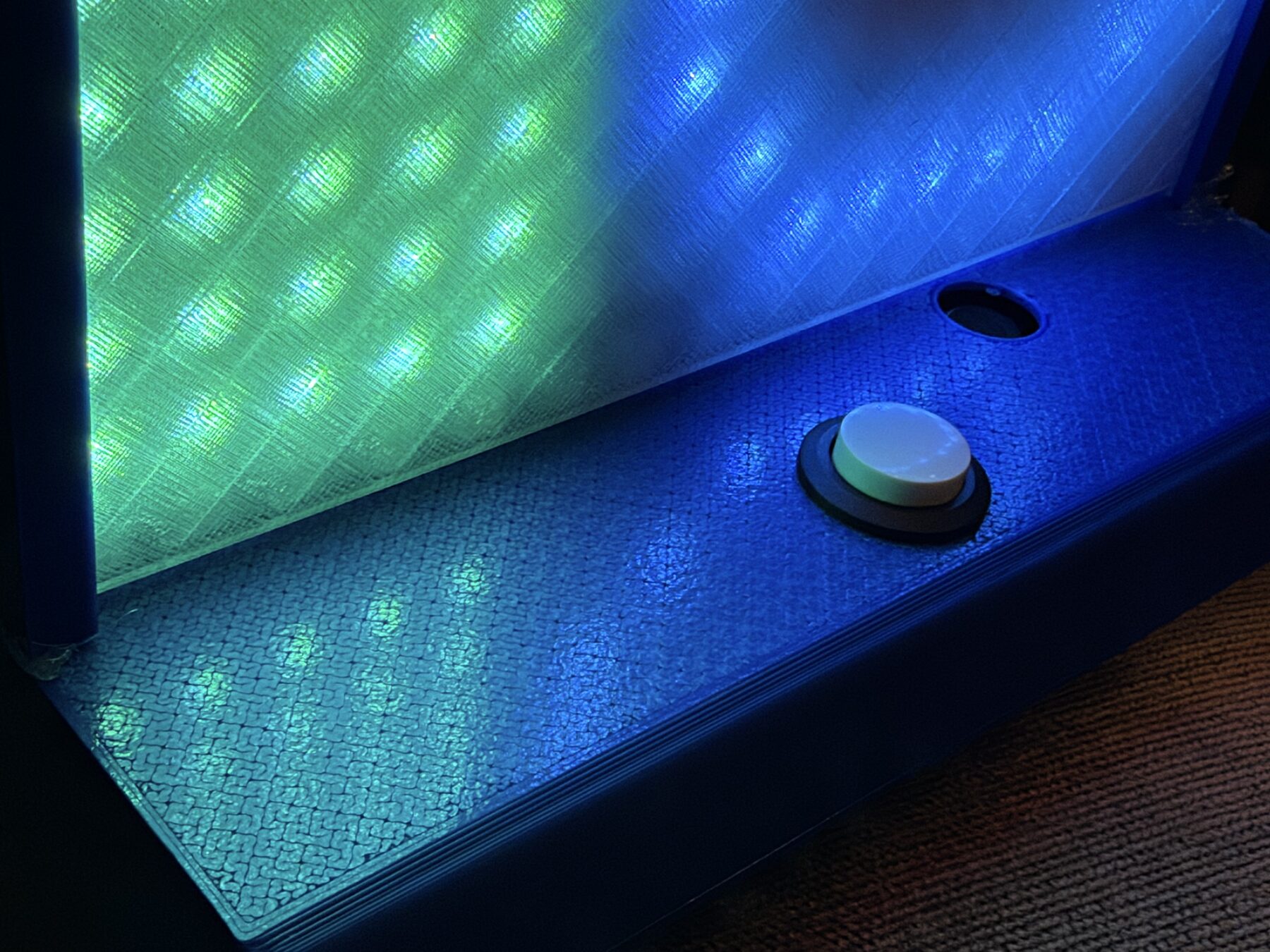
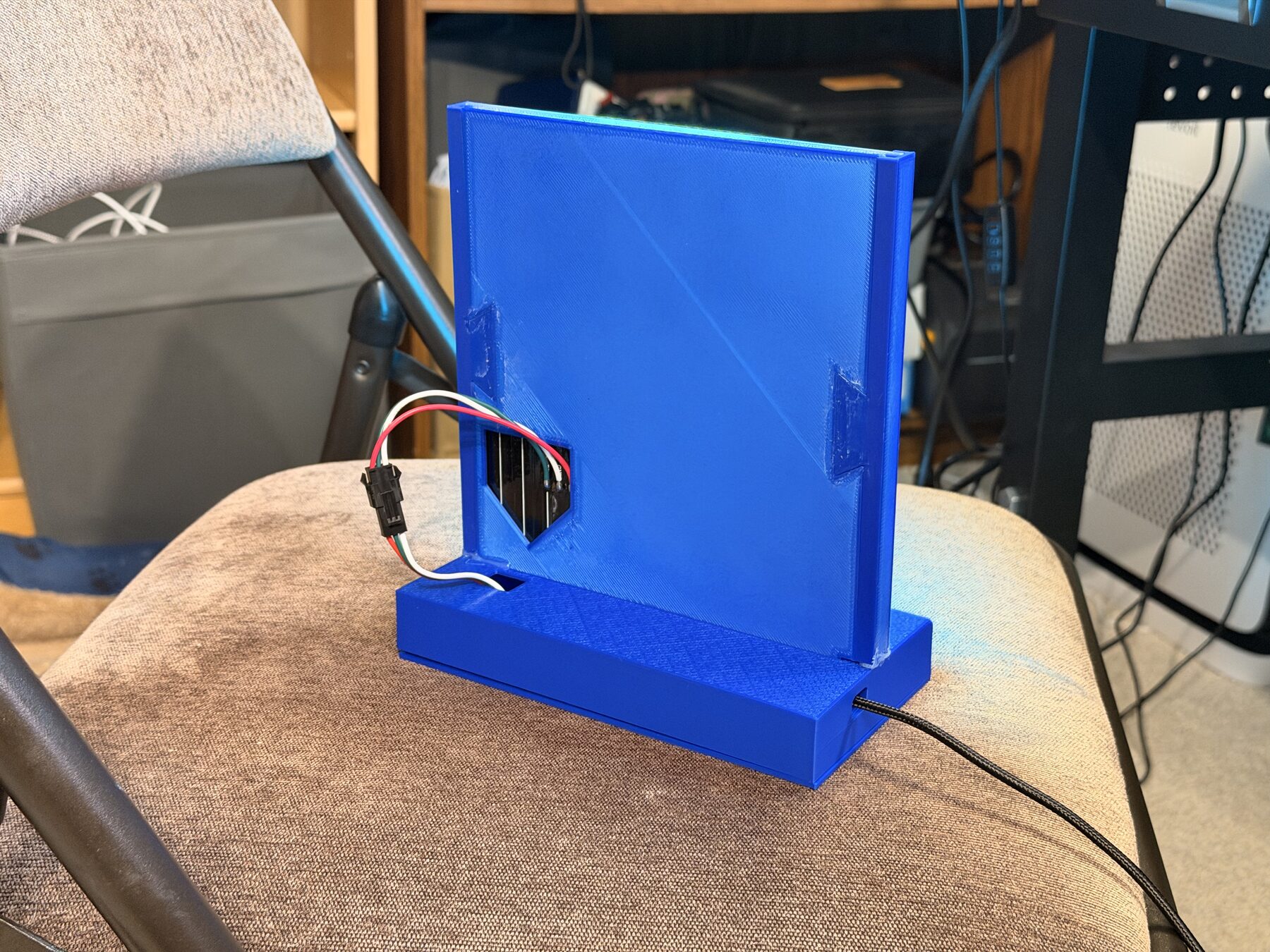
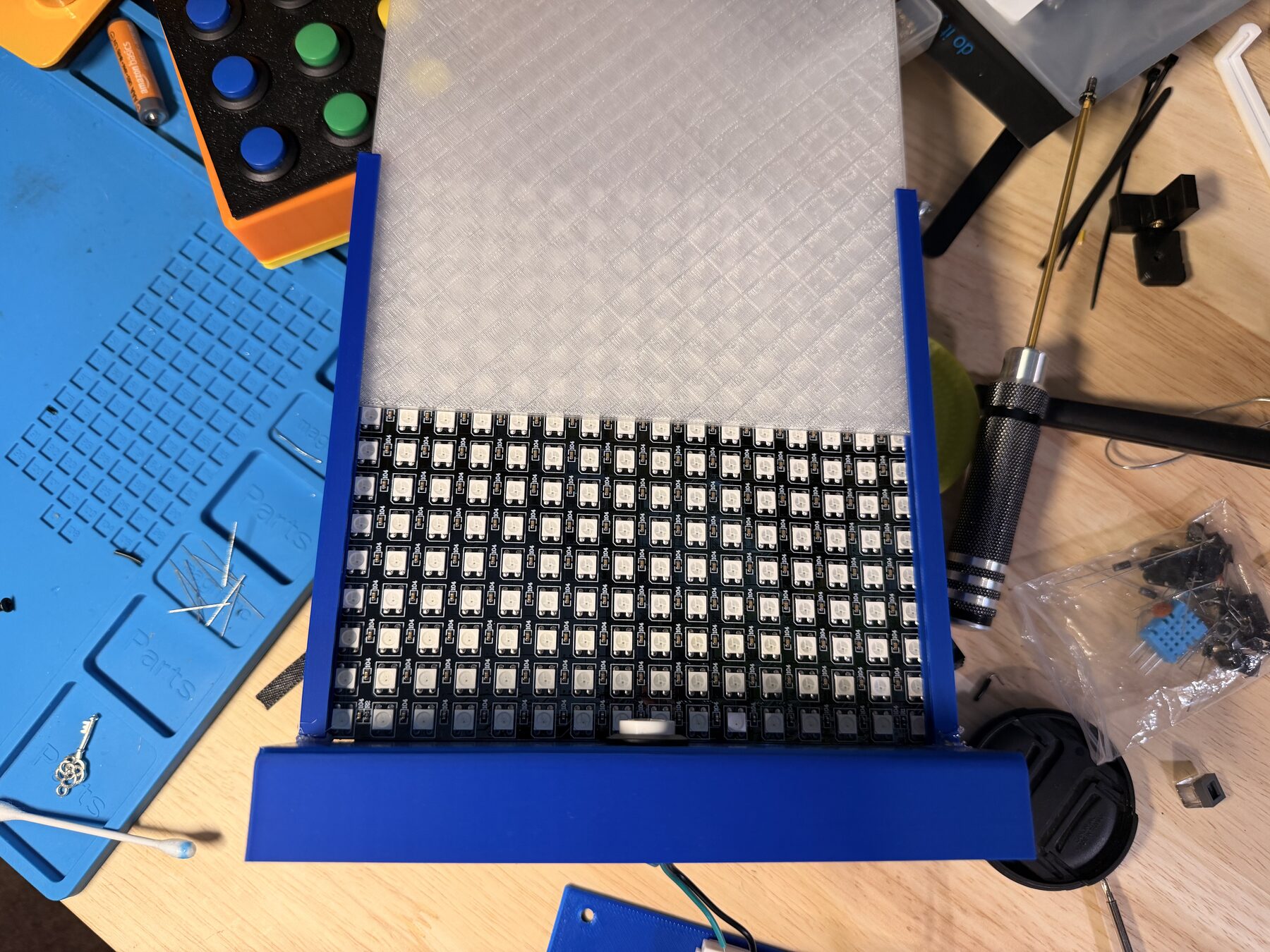
The case prints in five parts that glue together, with no supports. I printed it on an A1 mini: blue PLA for the body, and transparent PETG for the diffuser. Four heat-set inserts and screws hold the bottom plate on, so I can still get to the electronics.
Electronics and hardware
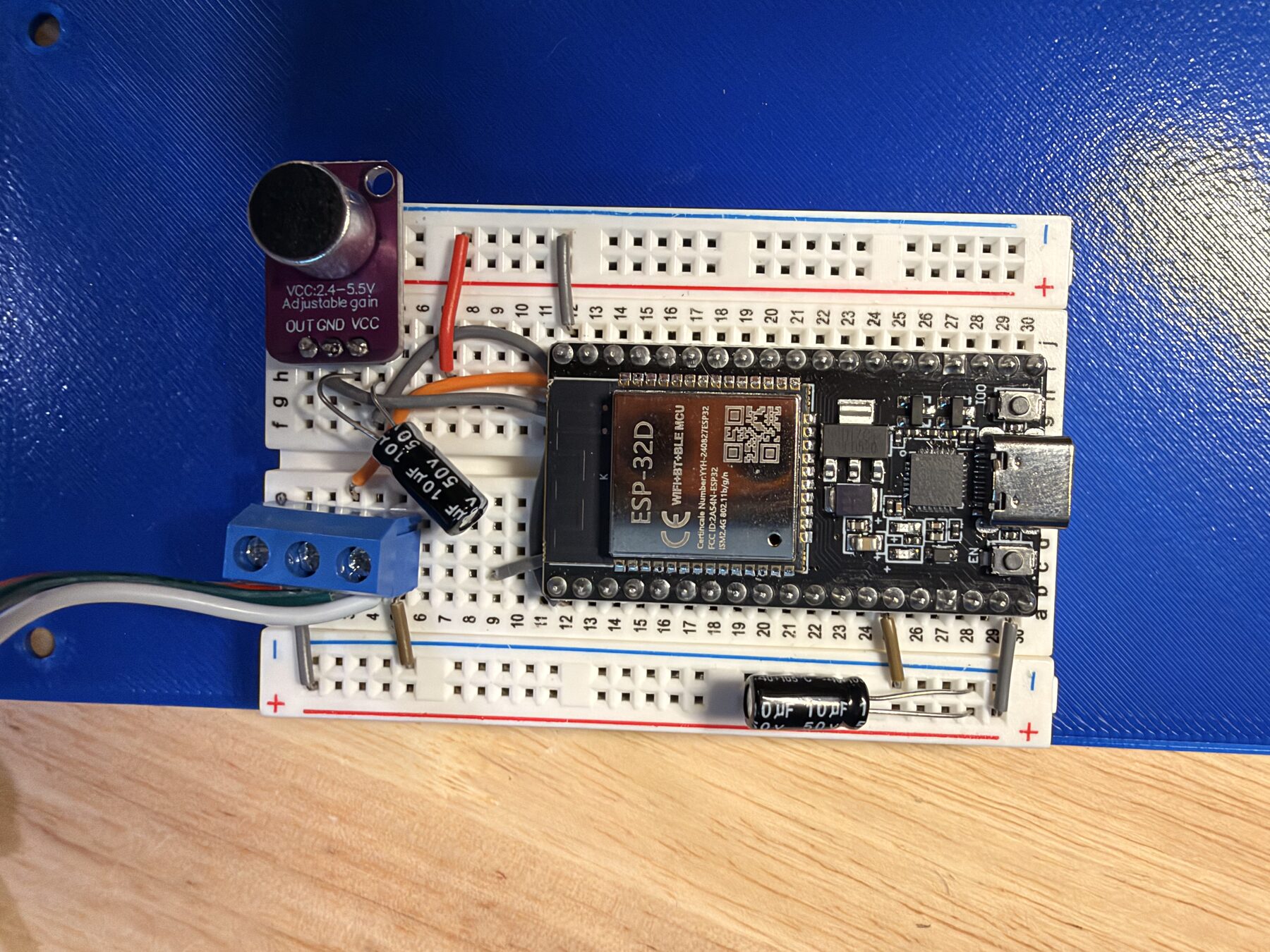
- 16x16 WS2812B LED panel
- ESP32 dev board
- Momentary push button
- Analog microphone module
- 2 small 100µF capacitors
- 4 M3 heat-set inserts
- 4 M3x6 flat-head screws
Print plates
| 1 | Back panel, with a cutout for the wires | PLA | 1h 20m |
| 2 | Bottom plate | PLA | 52m |
| 3 | Base box, with the button and mic holes | PLA | 2h 01m |
| 4 | Diffuser | PETG | 1h 49m |
| 5 | Two side rails that hold the panels | PLA | 44m |
Build one.
The firmware and the Home Assistant relay are on GitHub. The print files and settings are on MakerWorld. You'll need your own OpenAI and Anthropic API keys.
Or read the r/esp32 thread.