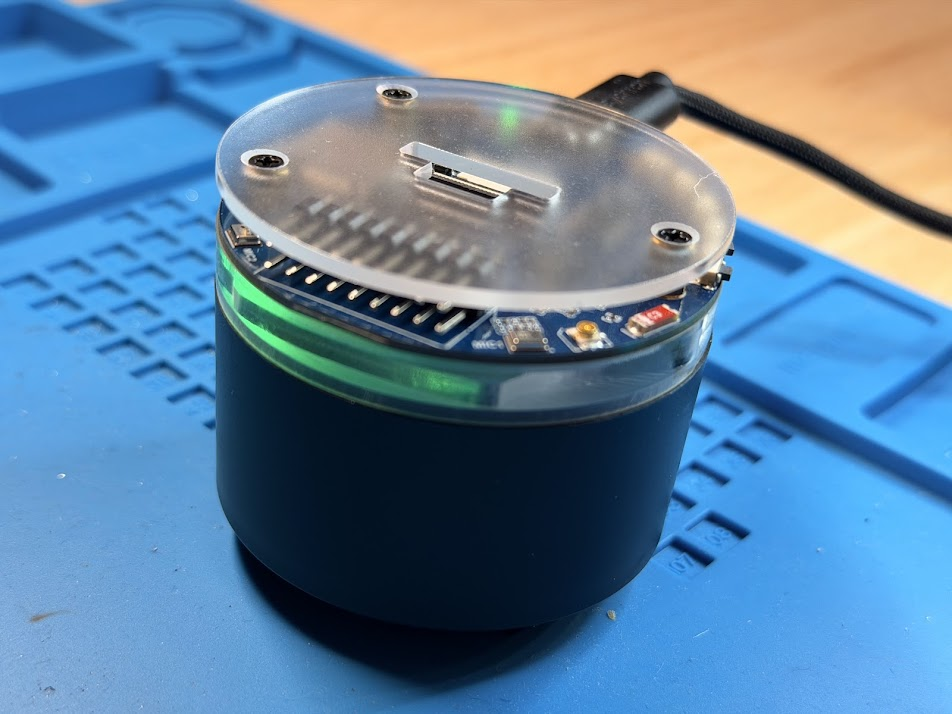
Introducing Dadlexa
Since I’ve got a few years of experience with microelectronics, and Claude and Codex by my side now, I figured I could tackle this project. Let’s talk requirements.
Requirements
- The device must have a “wake word”
- My son’s voice or message must be sent directly to my phone
- I should be able to respond on my phone and my audio played back for him
- Optionally, his message can be transcribed into text for me
- Optionally, my voice could be changed with ElevenLabs or OpenAI to be another voice.
Let’s get started
I have a bunch of ESP32 boards laying around. And I have some speakers too. Plus a bunch of amplifiers. However, I don’t have a mic. I could buy one, but the board + amp + speakers + SD card reader + some buttons + a mic is kind of a lot of stuff. I wonder if I can find an ESP32 board that has them embedded.
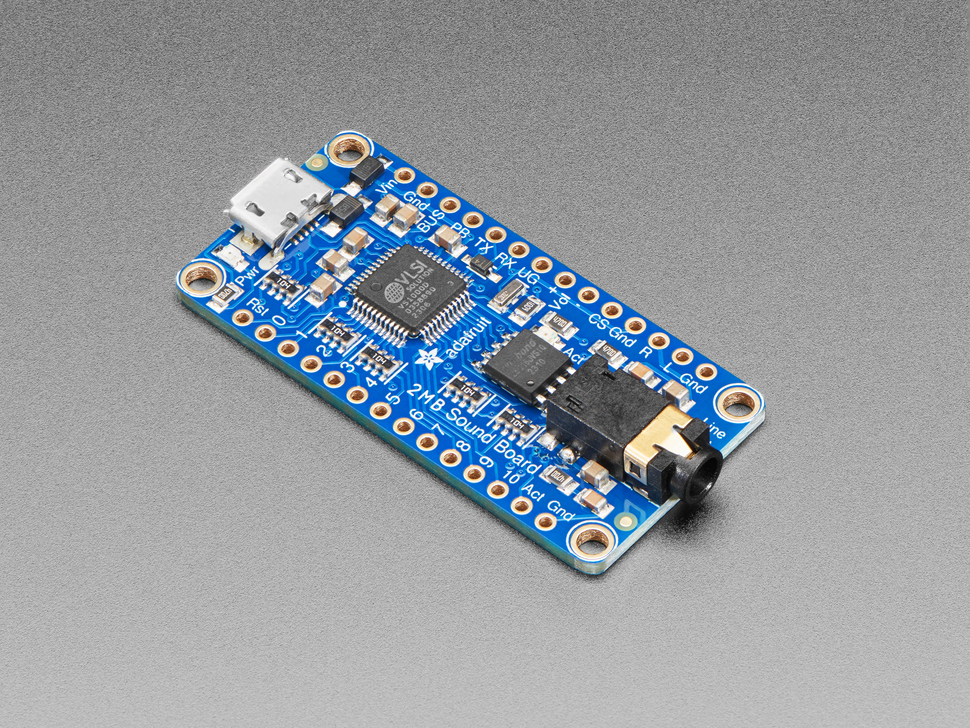
Adafruit has a few variations of this board. Including this guy
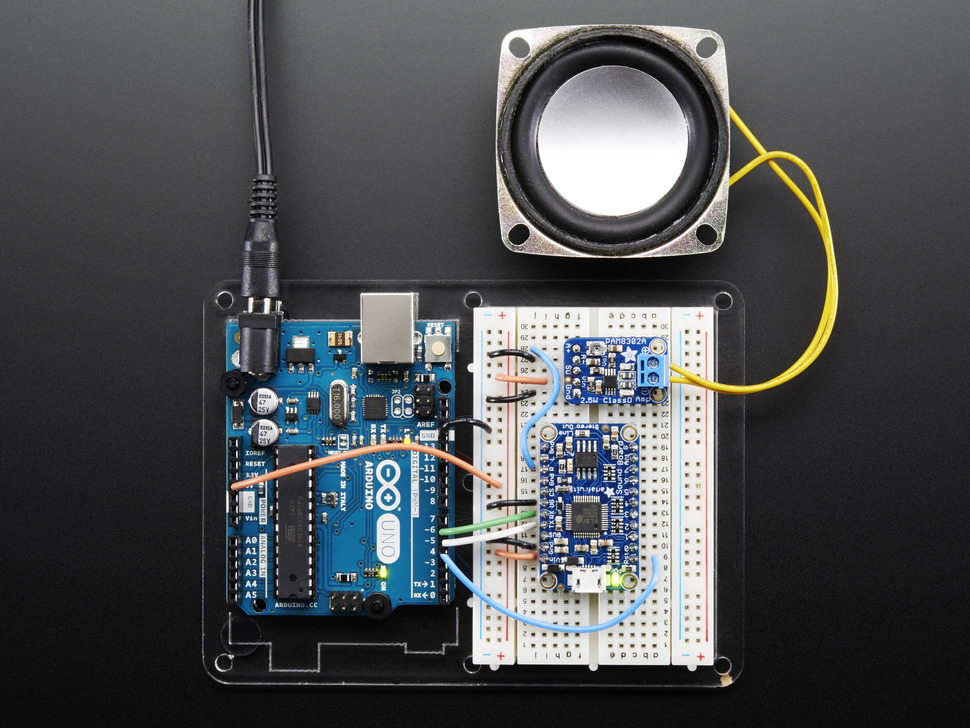
But this generally needs an amp. But it does offer a lot of cool trigger options. It can be used by itself, but for what we need, we need a microcontroller still.
We also have the mini powerhouse, DFPlayer Mini
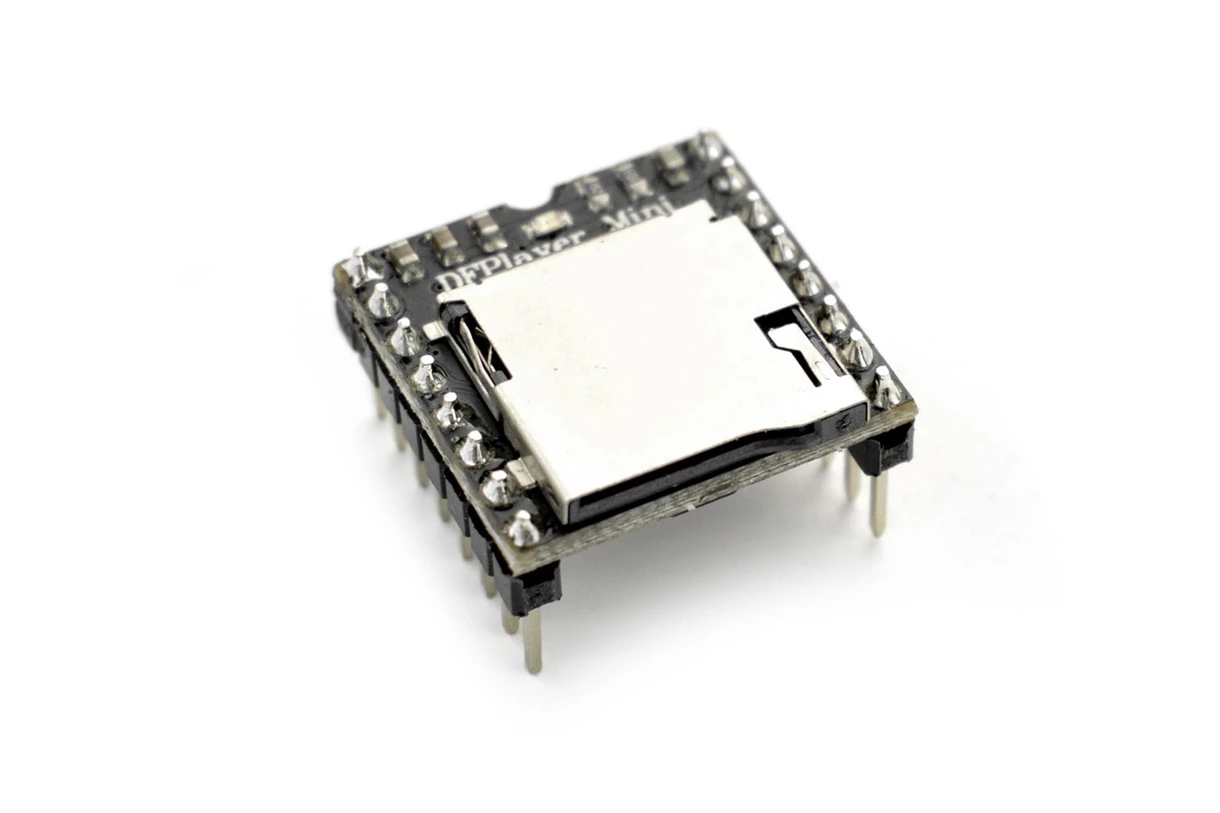
I’ve used this a lot in the past, we get the amp, the triggers & the SD card. But we don’t get a mic, and we still need an MCU. No, none of these will work.
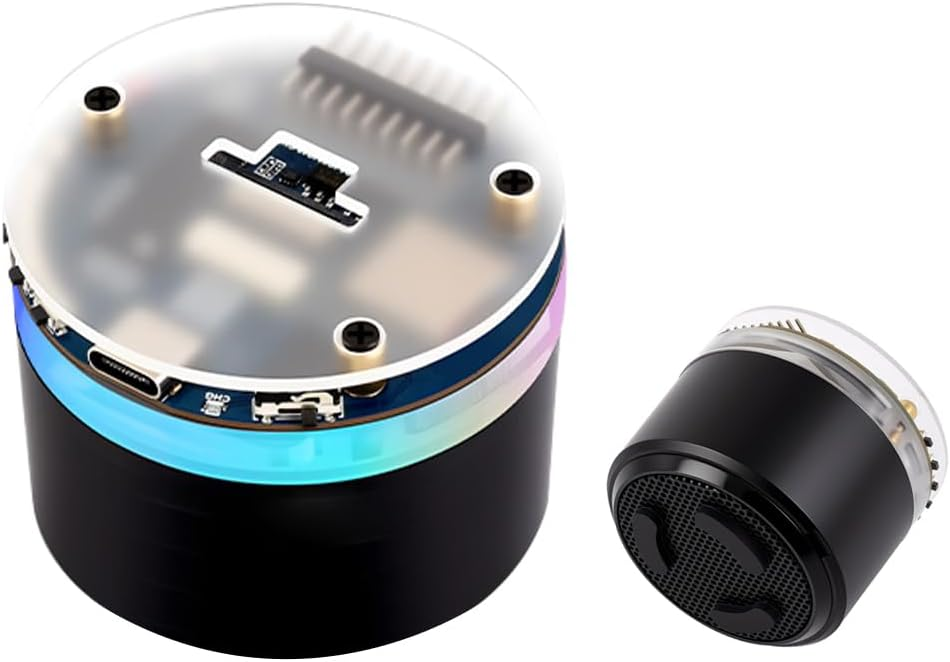
I then found this all-in-one option. It’s perfect. It’s small, it has 2 mics, a speaker already connected, SD card slot, and exposed GPIO, it even has some exposed buttons already on the thing. It even has a case so I don’t have to print one. The only downside is that it kind of takes the entire hardware element out of this project.
I guess this is a software project now
So let’s get the code started. I planned for this to be an AI-only project. Starting with Codex.
I had Codex set things up. It worked really well to discover the Waveshare docs and build the first iteration.
I ended up telling Codex to make a bunch of small .ino files to test each thing.
- play a tone
- light up the LED ring
- playback an OGG file from the SD card reader
- Send an HTTP POST to Telegram
- Poll Telegram API for a voice message and then play that back
- Listen for the wake word
- Record from the mic
- Test the buttons
After all of that was working, we finally put it together.
Uh oh, problem.
Arduino vs ESP-IDF
So it turns out, the AI couldn’t figure out how to use the Arduino environment to get the OGG playback from Telegram working. It needed ESP-IDF for that, because I had found an ESP-IDF component for OGG/OPUS Playback. Here is the exact chain of events that went down with Codex.
So this is fascinating in retrospect. Looking back at the code after we switched from Arduino to ESP-IDF. I doubt it was required. I never pushed Codex on it. And there are OPUS decoders for Arduino that would have been fine. The ESP-IDF code is ugly in my opinion.
void app_main(void)
{
    ESP_ERROR_CHECK(led_ring_init());
    ESP_ERROR_CHECK(led_ring_clear());
    ESP_ERROR_CHECK(wifi_service_start());
    ESP_LOGI(TAG, "wifi connected");
    ESP_ERROR_CHECK(web_admin_start());

    if (telegram_send_message("online") != ESP_OK) {
        ESP_LOGW(TAG, "online Telegram message failed");
    }

    ESP_ERROR_CHECK(audio_board_init());
    ESP_ERROR_CHECK(voice_flow_start_button_task());
    ESP_ERROR_CHECK(wake_word_init());
    ESP_LOGI(TAG, "ready for wake word");
}
But I didn’t know that at the time, so we forged ahead and did a complete re-write in ESP-IDF. We got everything working and the project was complete!
Check out the Dadlexa video on the project page.
A note on the Wake Word
I ended up using “Hi ESP” because ESP WakeNet only ships with a few words it’s trained on. And I can’t just pick anything I want. If you want a custom word, you have to submit a request to Espressif. My son wasn’t too happy — he wanted a custom word — but I would now file this under scope creep.
One more thing
My son knows what a smart speaker does. And while it’s cool for him to be able to ask me stuff, he wants to play music.
So now let’s do music playback.
I have a bunch of local music, mostly Danny Go! and Taylor Swift. The plan was
- Let the ESP32 create an HTTP Server with a webpage that I can use to upload new tracks to the SD Card
- Create a Manifest file that lists the voice words and the mp3 file to play.
- Name the files accordingly
- Find some way to get “Play XYZ” to work
The answer to the last one was esp MultiNet.
For a reason that I’m not the best at explaining, the Wake Words had to be specially trained by the Espressif team, whereas using Multinet you could use any words you want. Something to do with low power and phonemes.
Here was my prompt to Codex
And here was the result
This took 10 minutes. But it worked one-shot.
So great, there we go, now we can play music! This is by far his most used feature.
But wait, there’s more.
Well not yet, but soon, the next feature is…
Old School Voicemail
That’s right, his friends and family will be able to securely leave him voicemail, and he’ll be able to check it.
So subscribe to get notified when we make the next exciting update!
The code is on GitHub
You can read more on the Project Page for Dadlexa